Heidenhain iTNC 530 control – Exchange Buffer Battery Warning Alarm
A local Engineering Company Called EEC Ltd, to Solve An Exchange Buffer Battery Warning Alarm
The Exchange Buffer battery warning alarm was occurring on a YCM MV66A machine fitted with a HEIDENHAIN iTNC 530 control. This alarm message occurs when the internal battery voltage drops below 2.6V. Once the alarm is cleared, the error message repeats every 30 minutes. It is important to replace the buffer battery once this message appears, because the buffer battery assists storage of the non-volatile memory on the machine – whilst the machine is powered off. If the machine was to lose its non-volatile memory the machine may not boot properly resulting in lost PLC markers, tool change positions, clock, offsets, and other vital information for operation of the machine.
Exchange Buffer Battery Warning Alarm Diagnostics
Upon arriving on-site, EEC engineers checked relevant voltages on a diagnostic screen. EEC examined both the Buffer Battery voltage and the Gold Cap Capacitors voltage. Voltages on these components need to be checked prior to removal of the control for buffer battery replacement, as they are both critical to power the storage of the non-volatile memory. The Gold cap voltage was sufficient at 3.233V – 3V being the minimal requirement. However the buffer battery voltage was very low at 2.307V. It is possible for this voltage to run lower, but at each iteration of the machine being powered off you run the risk of the machine not booting correctly upon start-up.
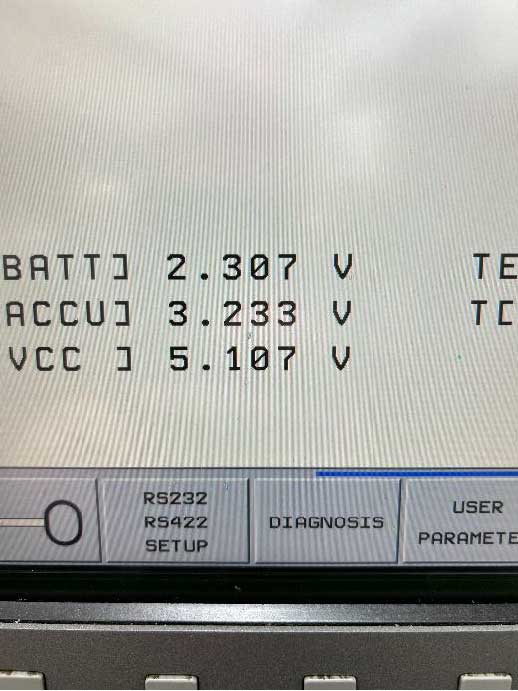
Buffer Battery Voltage of old battery before replacement
Exchange Buffer Battery – Data Backup – Duty of Care
Once EEC engineers had determined that the buffer battery needed to be replaced, it was important to take a full machine backup including the PLC table, full parameter list and all programs in the machine. This was carried out via laptop and stored securely. EEC carry out this step as a matter of caution just in case the machine loses its non-volatile memory whilst the battery is out. This ensures there is a full backup to reload into the machine if memory loss occurs, and also gives the customer an up-to-date backup if they were to have any other issues with the machine in the future – including HDR failure. An EEC Ltd duty of care.
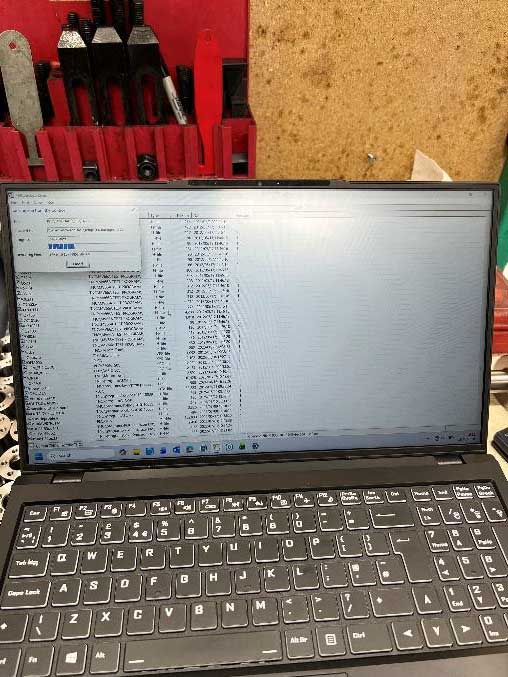
EEC carrying out a full machine backup in case of data loss
Replacing the Buffer Battery on the MC 420 Unit
- Once a complete backup had been completed, the machine was powered off and the MC part of the control was located in the electrical cabinet.
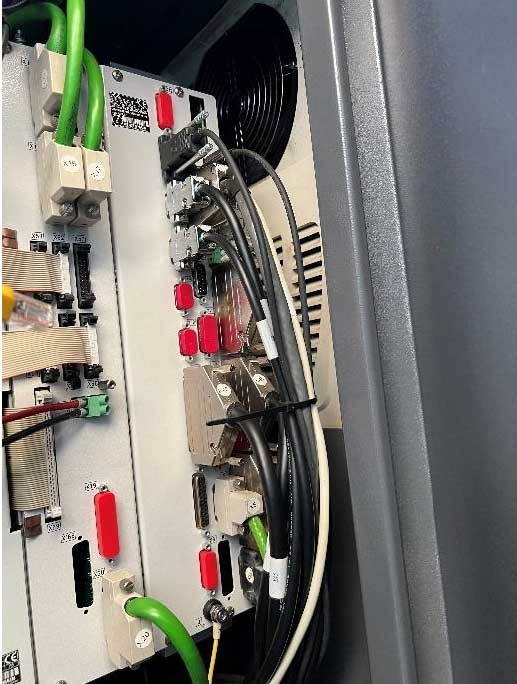
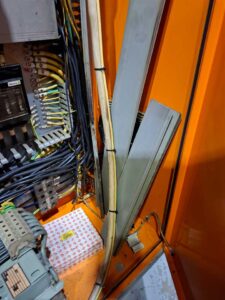
Location of the MC 420 with all cabling that had to removed prior to removal of MC unit
- The cabling into the control was carefully labelled and removed.
- Once the cabling had been removed, EEC engineers removed the MC 420 from the electrical cabinet and placed the unit carefully upon a workbench to be worked on.
- The buffer battery is located next to the HDR caddy mounted in the bottom of the MC 420 unit.
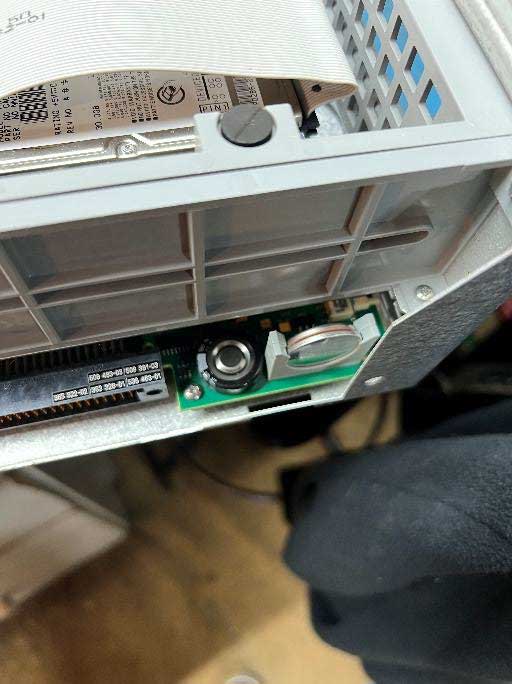
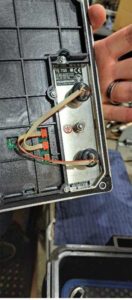
Buffer battery location in MC 420 unit next to HDR caddy
- EEC Engineers replaced the Buffer Battery
- Once the battery had been replaced the MC 420 was reinstalled into the electrical cabinet
- The cabling was plugged back in – correct to our labels
- The machine was powered back up.
- Once the machine was powered up EEC checked the battery voltage again. The voltage was 3.204V.
- EEC then asked the machine operator to check his offsets to ensure that the machine was operating correctly.
- Once this had been checked the machine was handed back to the operator for continued operation.
- All parameters were correct and the machine was put back into service